Resource pack
Status: Stable
Robbing works without a resource pack, but custom items (handcuffs, key, lockpick, safe) look like sticks and iron blocks, and the safe keypad and lockpick menus have no background.
Download: Robbing Resource Pack on Modrinth
A single zip works on every supported Minecraft version (1.19.4 → 26.3). A new Modrinth version comes out only when the pack changes (numbered as the Robbing release that changed it): always use the latest. The old per-version packs of Robbing 2.1.x show plain items on 1.21.4+ clients.
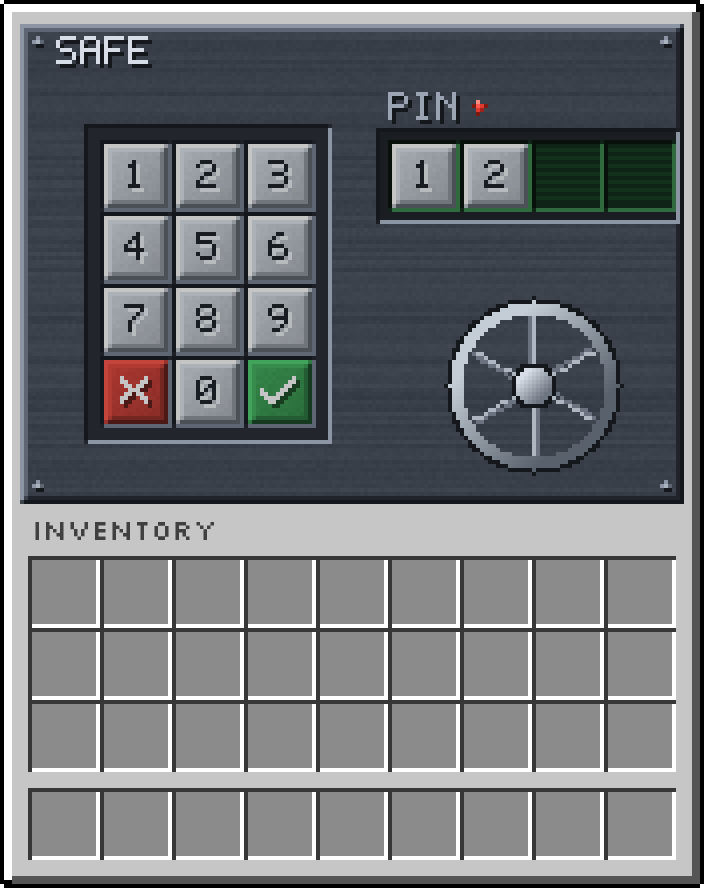
Safe keypad
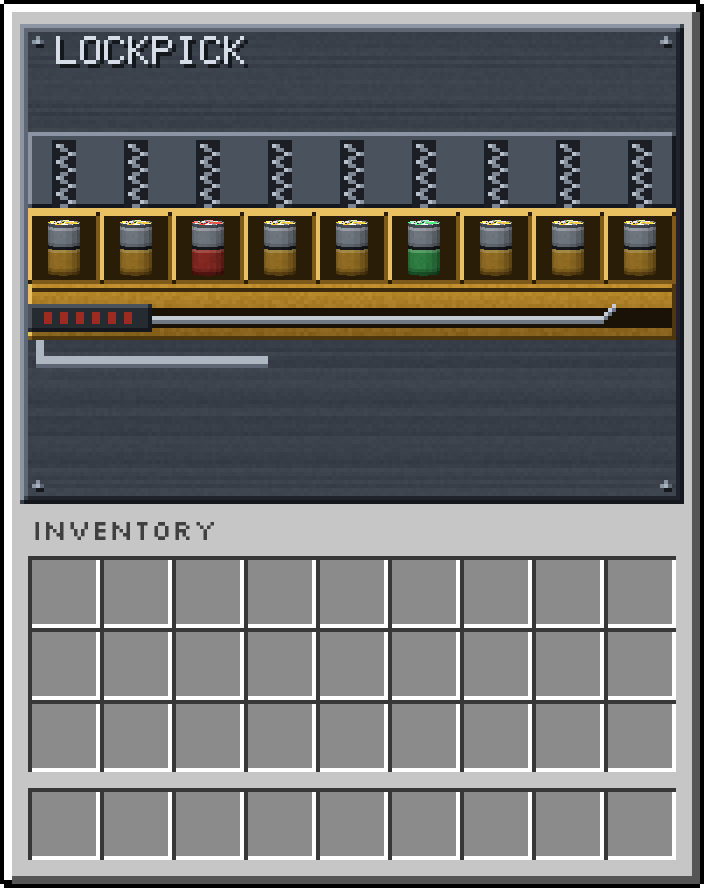
Lockpick menu
Installing it
Section titled “Installing it”-
For all players (recommended): on Modrinth open the latest version, copy the download link of its zip (
https://cdn.modrinth.com/data/…) and its SHA-1, then set inserver.properties:resource-pack=<download link>resource-pack-sha1=<SHA-1>require-resource-pack=truerequire-resource-packis optional (it makes the pack mandatory). When a new pack version comes out, update both values. -
Merging with other packs: if you already use ItemsAdder, Oraxen or a pack merger, add the zip to it. Besides
assets/robbing/, Robbing changes the item models ofstick,iron_blockand the light gray / black / green wool (custom model data 5456–5480) and adds the menu background glyphs tominecraft:font/default.json: merge those files instead of overwriting them. -
For a single player: download the zip, put it in
.minecraft/resourcepacksand enable it from Options → Resource Packs. On 1.20 – 1.20.1 the game marks it “made for an older version”: it works anyway.
Building it yourself
Section titled “Building it yourself”cd resource-pack./pack.sh # -> build/Robbing_pack.zip